

How it works
Staff walk. The system records.
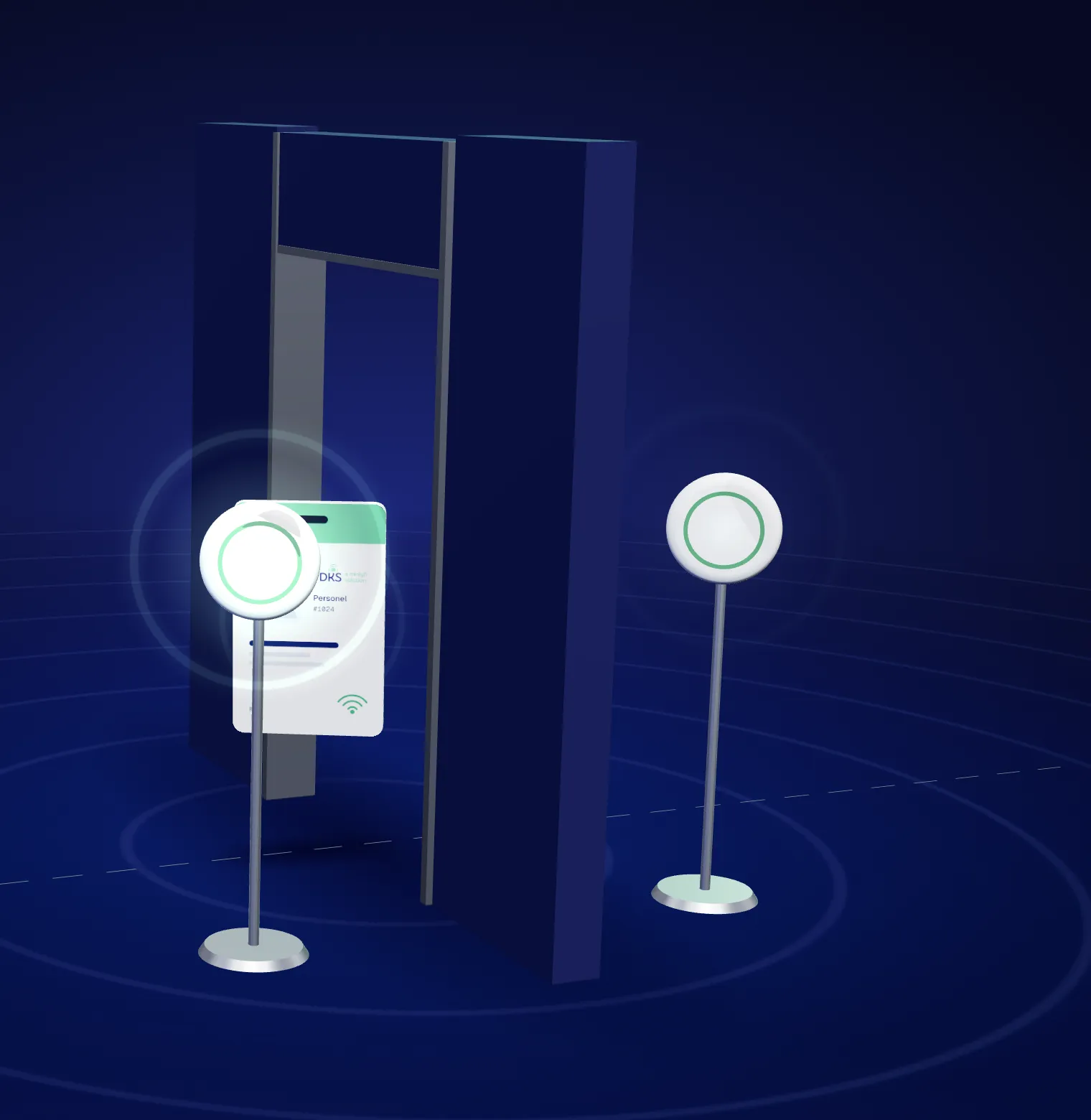
PDKS detects the BLE tags staff carry through gateways in the facility. Records are matched to shift rules and a payroll-ready timesheet is produced.
Four steps07:52
Illustrative view
How it works
From the door to the timesheet in four steps.
-
Tag
Staff carry an iBeacon / Eddystone compatible BLE card or wristband.
-
Detect
Inner and outer gateways at the door detect the tag and its direction.
-
Match
Each pass is matched to the person's shift: on time, late, early…
-
Report
Timesheets, area usage and anomaly reports are generated automatically.
Today · Employee #1024ENTRANCE
- 07:52 Entry on time
- 10:15 Production area 2 h 10 m
- 12:30 Break area 25 m
- 16:58 Exit shift complete
✓ Added to timesheet automatically
- BLE card: nothing to swipe
- Inner / outer readers set direction
CORRIDOR · LONG PASSAGE AREAS
Beyond doors, we cover corridors and long passage areas with 2–3 gateways. Consecutive detection determines the direction of movement and measures time between areas, keeping in-facility movement visible.
- Consecutive reads set direction
- Time between areas is measured
- In-facility movement visible
Authorised access
When an authorised card approaches, the gateway triggers the door.
Cards are defined as authorised in the system. When an authorised card comes within the set distance, the gateway sends a trigger to the door via relay; unauthorised tags do not open the door and are logged as 'unauthorised'.
- Distance threshold set per door
- Permissions by person, department and zone
- Every trigger and rejection is audit-logged
Hardware
Three components, one central software.
- 01
BLE staff card / wristband
iBeacon, Eddystone and Minew compatible tags. Temporary tags for visitors and contractors.
- 02
BLE gateway
Inner + outer reader per door; extra reader points indoors. BLE-enabled APs can also be used.
- 03
Door relay / sensor
Opens the door on the gateway trigger when an authorised card approaches and reports door state.
Matching rules
Every pass becomes a shift status.
Flagged automatically by shift definitions and tolerances; manual corrections require a reason.
- On time
- Late
- Early
- Absent
- Unauthorised
- Holiday
- Remote
Site survey
Make attendance touchless.
Let's plan a site survey and demo, and prepare a deployment proposal based on your doors and shift pattern.
What happens in the call?
- 01Identifying door and reader points
- 02Reviewing your shift, leave and timesheet rules
- 03Choosing Cloud, Private Cloud or On-Premise
- 04Live dashboard demo
Email: sales@mintyfi.com